Why did you build a Chrome extension?
There are thousands of job boards and applicant tracking systems (ATS) out there — LinkedIn, Greenhouse, Lever, Workday, Indeed, and many more. Each one has its own application form, its own format, and its own quirks. We built the Workzil Chrome Extension so you never have to fill in the same information twice. It works as your personal assistant right in your browser, auto-filling forms, scoring your fit, and tracking every application in one place. We believe job seekers shouldn't have to spend hours on repetitive data entry — your time is better spent preparing for interviews and finding the right role.
Which job boards does the extension work on?
Today, the extension supports 18+ major ATS platforms including LinkedIn (with Easy Apply automation), Greenhouse (including embedded forms on company sites like Stripe), Lever, Workday, Indeed, SmartRecruiters, Workable, Ashby, BambooHR, iCIMS, Taleo, Jobvite, Rippling, Recruitee, Pinpoint, TeamTailor, and Breezy HR. For any site we don't specifically support yet, our generic form filler uses intelligent field detection to fill what it can. We're actively adding more platforms — if your favourite job board isn't listed, let us know and we'll prioritise it.
How does the AI fit scoring work?
When you visit a job listing, the extension extracts the job description and compares it against your Workzil profile — your skills, experience, desired titles, location preferences, and salary expectations. It calculates a score out of 100 broken down by skills match (35%), experience level (25%), location (15%), salary (15%), and culture fit (10%). This helps you quickly identify which roles are worth your time and which ones aren't a great fit, so you can focus your energy where it matters most.
Will the extension auto-apply without my permission?
No. By default, the extension is in 'browse and score' mode — it analyses jobs and shows you your fit score, but never applies without your explicit action. You always review the form fields before filling, and you can edit any value before submitting. There's an optional auto-fill mode you can enable, but even then, the final submit button is yours to click. For LinkedIn Autopilot, auto-submit is off by default and requires you to opt in.
Is my data safe? What do you do with my information?
Your data stays within the Workzil ecosystem. The extension stores your authentication tokens locally in your browser (never synced to the cloud). Form data is processed on our servers using encrypted connections, and we never share your personal information with third parties. Job page HTML sent for analysis is trimmed of scripts and images before transmission. You can delete all stored data at any time from the extension settings.
I found a job board that doesn't work. What can I do?
We're honest about this — with thousands of ATS platforms and company career pages out there, we can't support every single one from day one. But we're committed to expanding coverage as fast as we can. If you find a job board where the extension doesn't work, please let us know through the in-app feedback or at support@workzil.com. We track every request and prioritise the most-requested platforms. Our generic form filler also improves with every update, so many unsupported sites will still get partial coverage.
How does the Chrome extension connect to my Workzil dashboard?
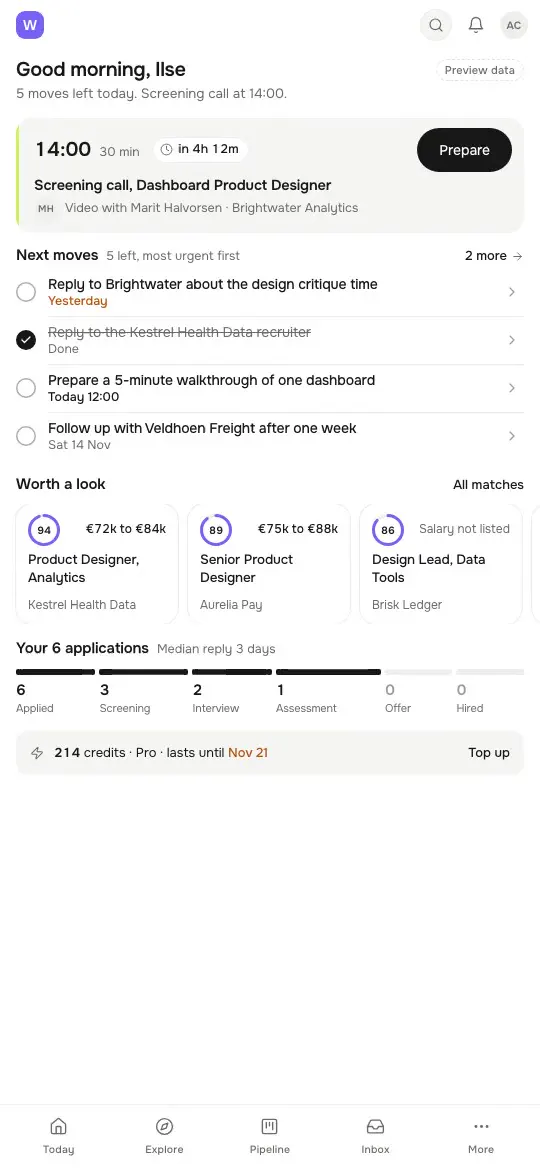
Every job you score, apply to, or manually submit on any job board is automatically tracked in your Workzil pipeline dashboard. High-scoring jobs from LinkedIn Autopilot appear in your Recommendations column. Applied jobs land in the Applied column with full details. You can drag cards between stages, add notes, track interview rounds, and see a timeline of your entire job search — all in one Kanban board.
Is Workzil free for job seekers?
Searching jobs, market snapshots and company pages are free without an account. The candidate workspace has a free plan; paid plans add more AI credits.
Where do the jobs and figures come from?
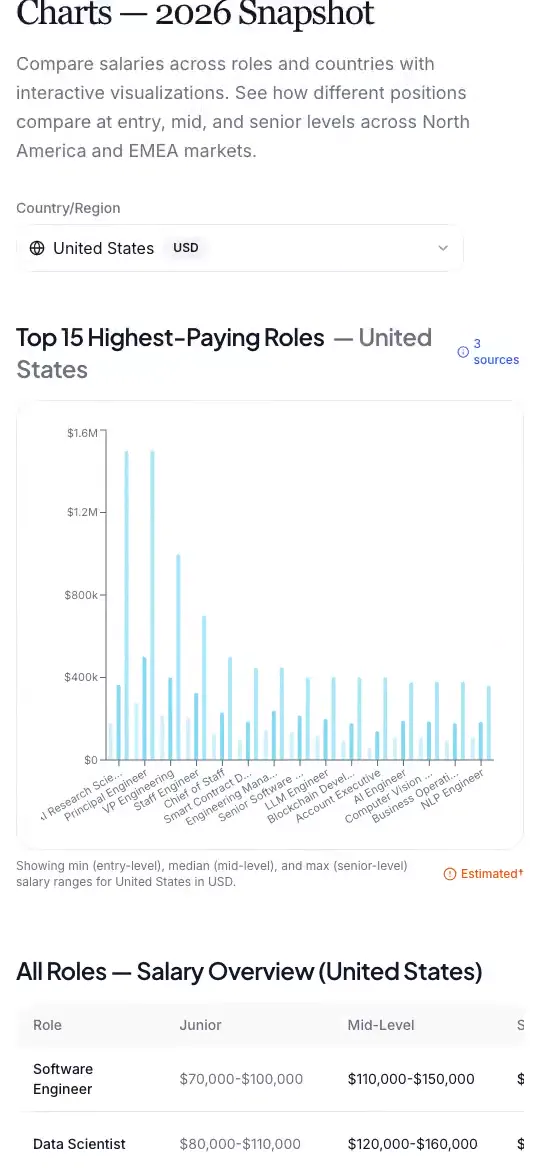
Jobs come from company career sites and job boards, with duplicates merged. Each figure on the public sites names its source and the date it was last refreshed.
Are the examples on this page real?
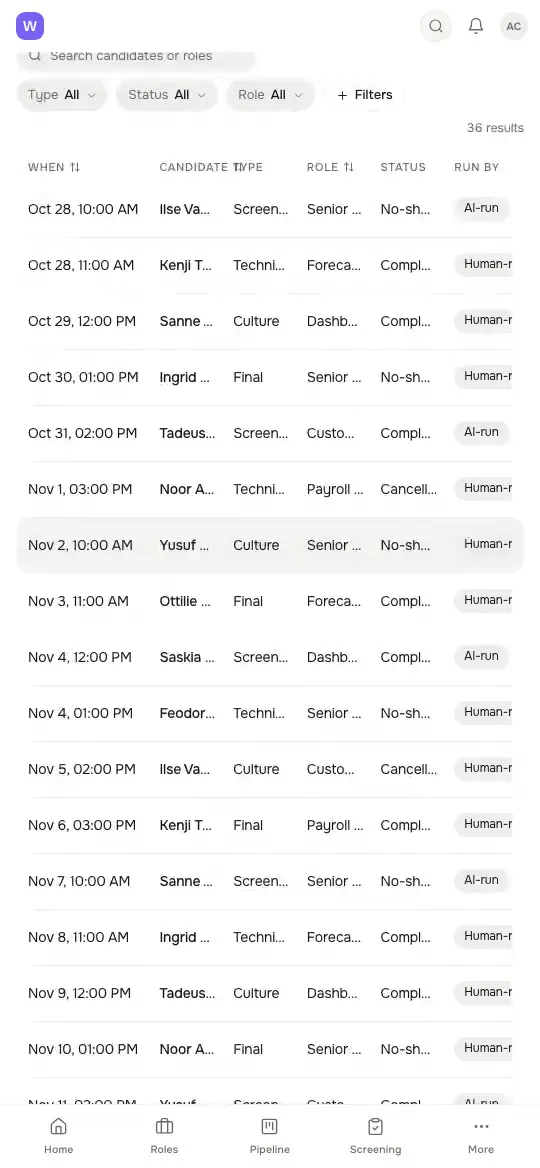
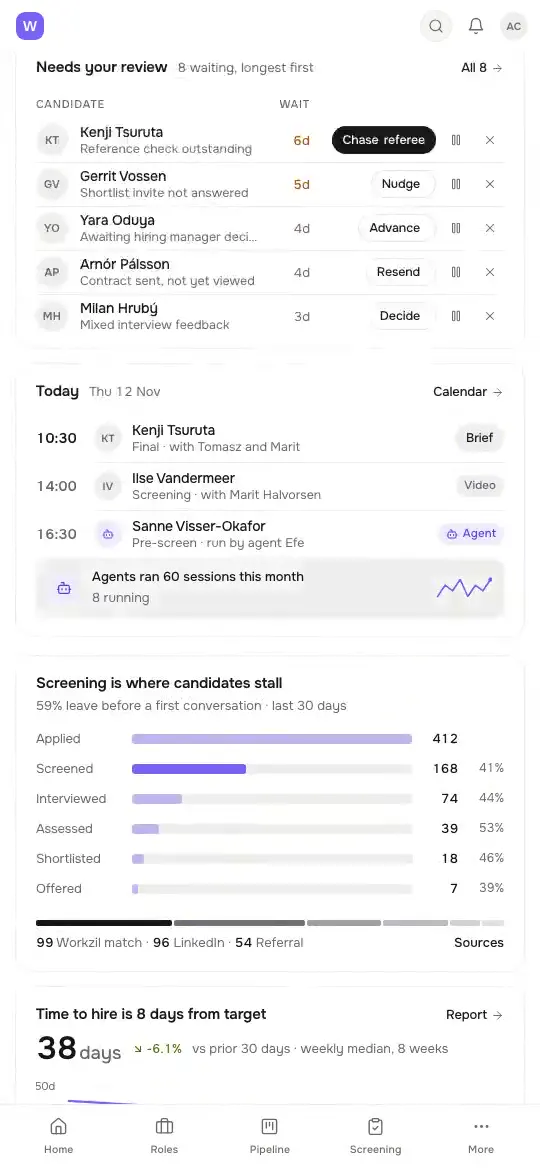
No. The five examples on this page use sample data, labelled on each one, so you can try them without an account. The public sites show live data.
What is coming next?
Staffing and onboarding, and Accounting, are being built now. Workforce planning is available today by talking to us.